- Home
- About Us
-
Shop
- Blog
- Contact Us


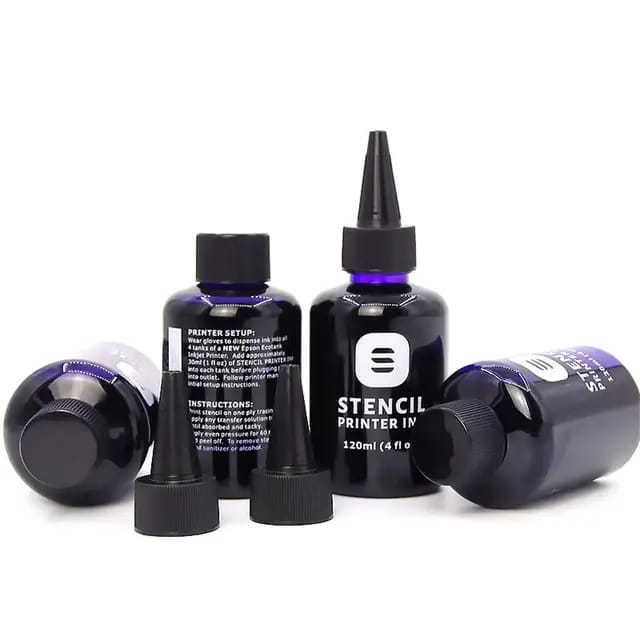
STENCILS INK— Professional Stencil Ink for Epson EcoTank Printers
Developed specifically for tattoo professionals using inkjet stencil printing.
• Deep, high-contrast violet tone
• Precise line definition and visible micro-details
• Smooth gradients without patching
• Reliable and consistent skin transfer
• Stable performance in studio conditions
Manufactured with a controlled production process to ensure batch consistency and professional reliability.
Created for artists who depend on predictable results — not trial and error.
Next-Generation Tattoo Stencil Ink
• Strong, crisp stencil lines
• Deep violet pigmentation
• Smooth ink flow
• Advanced printhead drying protection
• Reduced clogging risk
Now you can leave your printer unused for days — go on vacation or travel for work — and come back without dried nozzles or printing issues.
Reliable. Stable. Professional.
Be the first to write a review
No reviews yet. Be the first to review this product!